
A boutique brand’s new store, built to WCAG 2.2 AA standards, with email and texts from day one

Our work for Pookie + Sebastian
Pookie + Sebastian has dressed women from its boutiques in New York and Florida since 1997. The brand needed an online store that matched the boutiques and worked for every shopper. We designed and built a new Shopify store to WCAG 2.2 AA standards, then switched on email and texts for the first time.
0 errors in automated WCAG scans
Automated WCAG 2.2 AA scans of the home, a product and the accessibility statement page found no errors on phone or desktop when tested.
Product photos described view by view
Every image on the pages we scanned has a text description, so screen-reader users hear what each photo shows.
Email and texts, from none to automated
The brand had no email sign-up before. Now welcome, cart and after-purchase emails and two texts go out on their own.
The goal: an online store that works like the boutiques, for every shopper.
Pookie + Sebastian sells women’s clothing, denim, knits and accessories from boutiques in New York and Florida. Shoppers are loyal in store. Online, the old site was not built to sell.
The brand wanted to treat the new store like opening a new boutique. It had to look like the brand, work for every shopper, including people who use screen readers or a keyboard, and follow up with shoppers after they leave.
See the store: pookieandsebastian.com
A store that looks like the boutiques
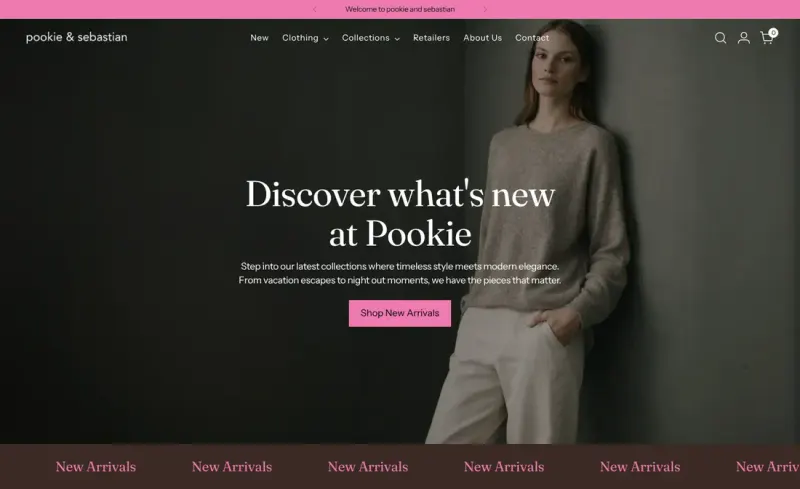
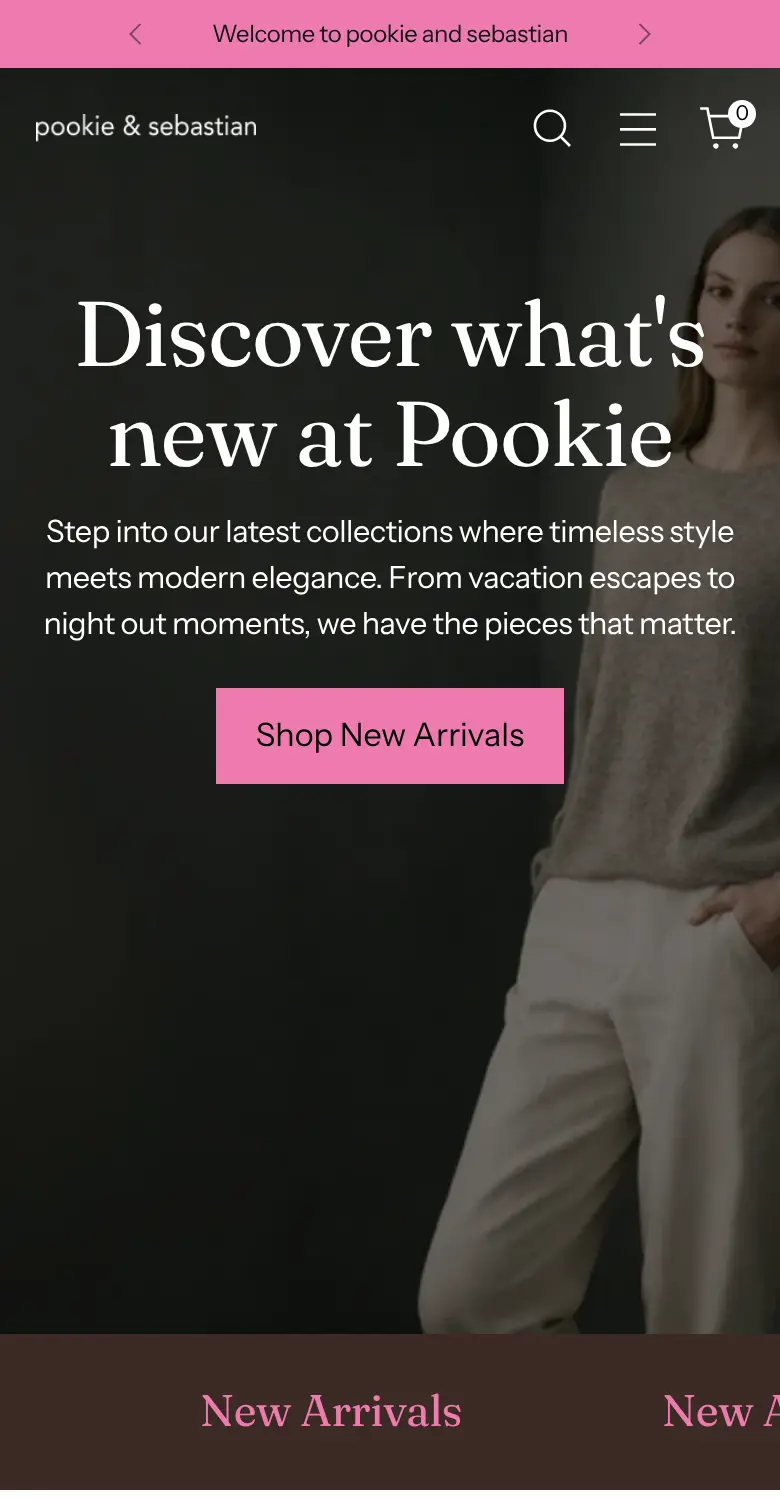
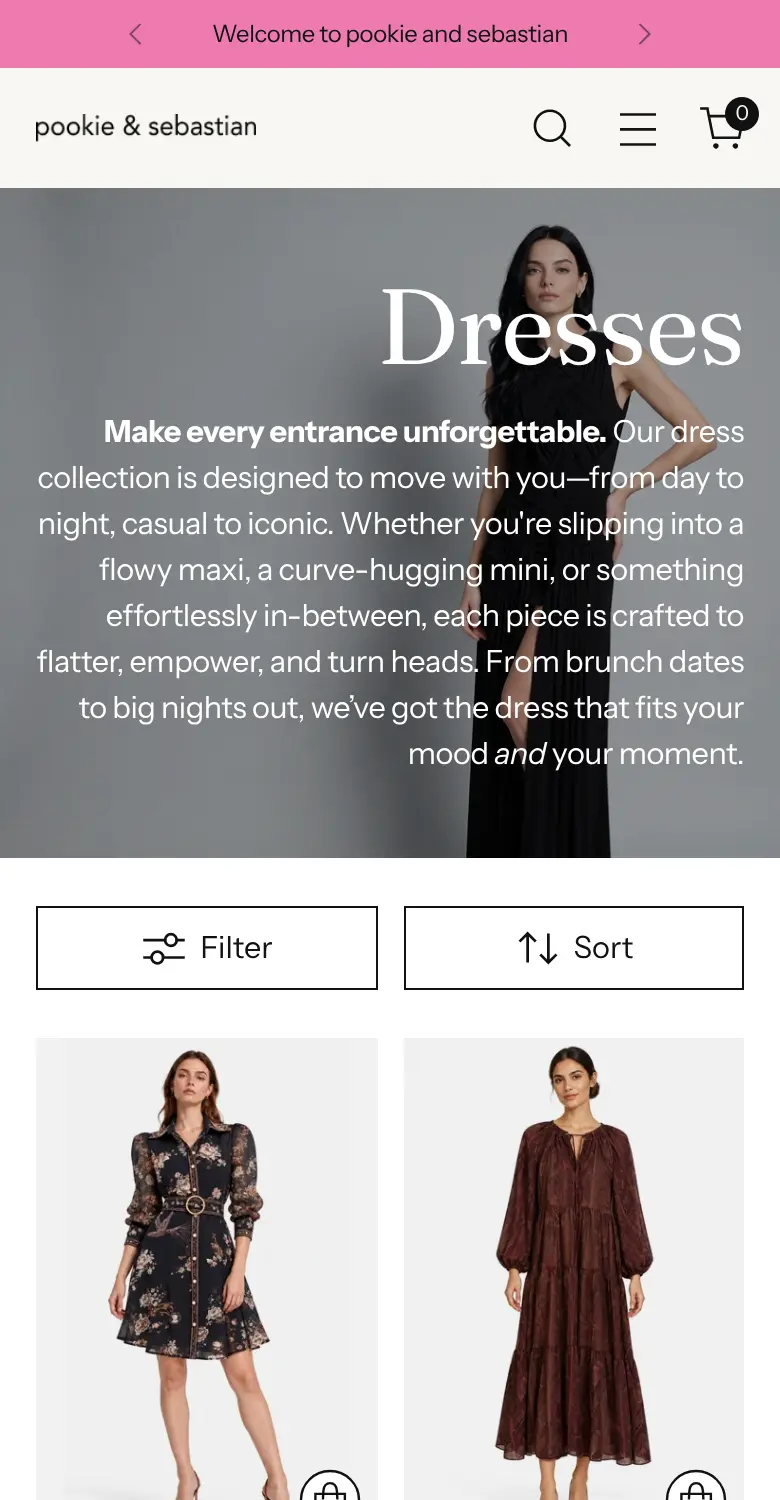
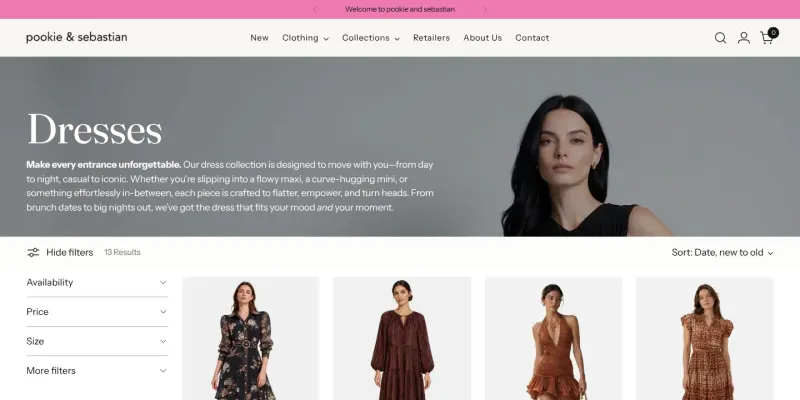
We designed the store in Figma, then built it on Shopify. The look is quiet and editorial, like walking into one of the boutiques: soft neutrals, big photos and the brand’s own Pookie pink on every button.
On a phone, the menu, filters and bag are one tap away, and the Add to Bag button stays on screen as shoppers scroll.
Built to WCAG 2.2 AA standards from the start
Accessibility was the first requirement for the new store, so we built it in from the start rather than adding it at the end. Every page we built has a skip link, one main heading and no skipped heading levels. Menus, the cart and pop-ups all work with a keyboard. Anything that moves stops when a shopper hovers or tabs to it, and stays still for anyone who turns motion off.
Then we ran automated WCAG 2.2 AA scans on key pages. Scans of the home, a product and the accessibility statement page found no errors on phone or desktop when tested.
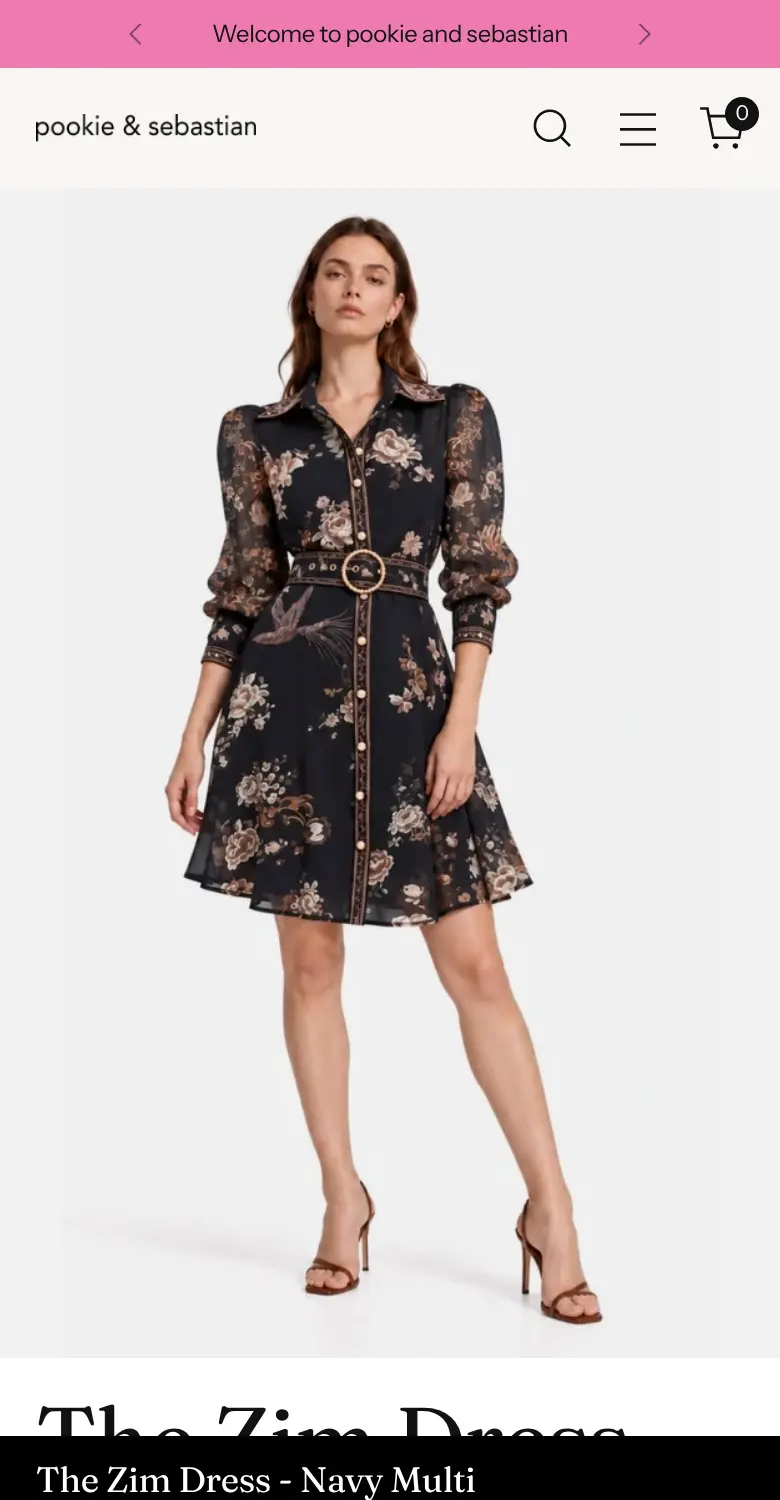
Product photos described view by view
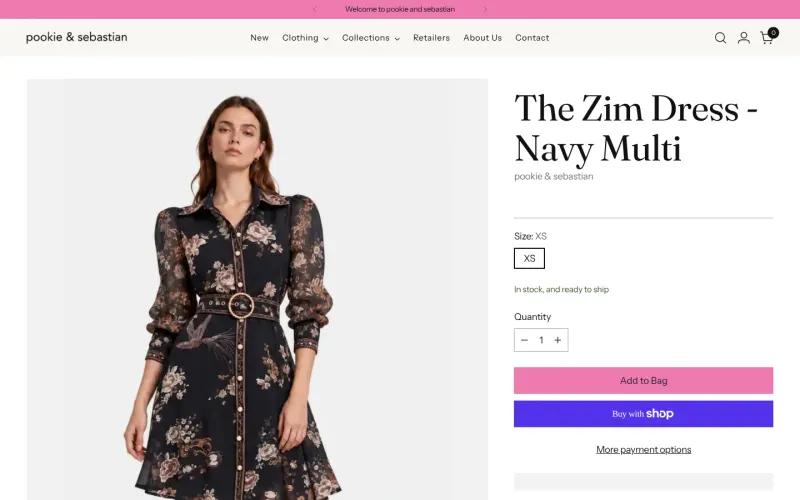
A shopper using a screen reader hears what each photo shows. Product photos are described view by view: front, side and back, with the print, the cut and the details. Every image on the pages we scanned carries a description.
Built to stay accessible after launch
Accessibility usually breaks the first time someone adds a product in a hurry. So we wrote a one-page guide for the team: how to describe a photo, how to title a product, what to check before publishing.
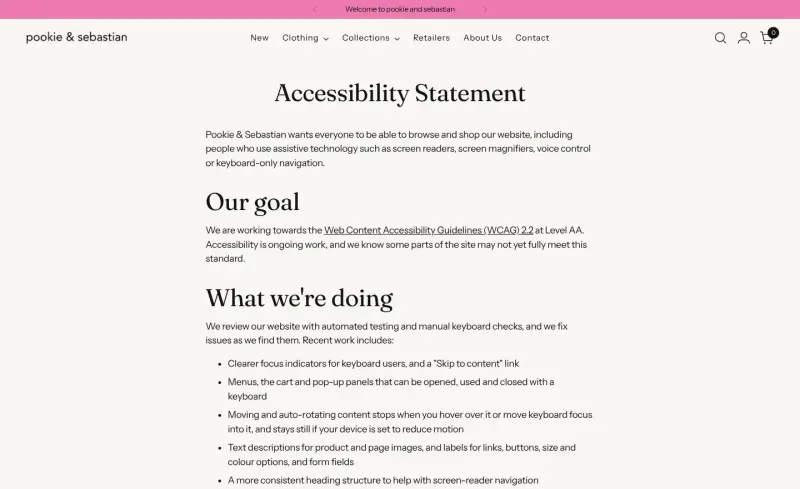
The store also has an accessibility statement, linked from every page. It says what the store does, where it is still improving, and how to get help placing an order. It also commits the team to regular automated testing and keyboard checks, so new issues are found and fixed.
Email, switched on for the first time
Before the new store, the brand had no email sign-up and no automated emails. We set up Klaviyo and sent from the brand’s own domain. Then we designed and built the emails that every store needs on day one:
- Welcome. A thank-you and an offer on the first order.
- Abandoned checkout. A reminder for shoppers who stop at checkout.
- Added to cart. “Saved for you”, for items left in the bag.
- After purchase. A thank-you, then pieces to complete the look.
Every email carries the brand pink, the store menu, a customer review and the boutique locations.
Texts, with clear consent
Shoppers can add their phone number in the sign-up pop-up, with clear consent wording and a link to the mobile terms. They get a welcome code by text, and a reminder an hour after leaving checkout. Every text says how to opt out, and nothing is sent at night.
One answer on shipping and returns
Shoppers now get one shipping promise and one return policy, the same on the site, at checkout and in every email. A Returns page holds it all in one place.
Working together
We designed the store round by round in Figma, with the brand’s team seeing every file. At launch we handed over the store and the Klaviyo account, with the accessibility guide and the reports the team asked for.
Project FAQs
How do you check accessibility?
We build to WCAG 2.2 AA and then test against it. For Pookie + Sebastian, automated WCAG 2.2 AA scans of the home, a product and the accessibility statement page found no errors on phone or desktop when tested. Every scanned image has alt text, and each product photo is described view by view. There is also a skip link, one heading per page, and menus, cart and pop-ups that work from a keyboard. Automated scans catch only part of WCAG, so we pair them with keyboard checks.
Will an accessible store end up looking plain?
No. Pookie + Sebastian's store is a custom design on a premium Shopify theme, in the brand's own pink. Moving content stops when a shopper hovers or tabs to it, and stays still for anyone who has reduced motion turned on. You keep the boutique look, and every shopper can use it.
Will it stay accessible once my team starts adding products?
It can, if your team knows the steps. We wrote Pookie + Sebastian a one-page guide for adding products accessibly. We also built an accessibility statement page that tells shoppers what was done and how to reach the store for help. So the work does not depend on us being there.
We have never done email or SMS. Where would we start?
From zero, the same as Pookie + Sebastian. We set up Klaviyo and built welcome, abandoned checkout, added-to-cart and post-purchase emails in the brand's look. They send on their own from the day the store goes live. The site, checkout and emails all give one shipping answer and one return policy.
How do you handle text messages without annoying shoppers?
Texts only go to shoppers who opt in, with clear consent wording at sign-up. For Pookie + Sebastian we set up a welcome-code text and a reminder for anyone who leaves checkout. Every text says how to opt out. Nothing is sent during quiet hours.
What happens on the call?
It is a free 30-minute discovery call with our sales team. You tell us about your store, your buyers and your goals. We share how we would approach it and talk through pricing.
Does Setsail still run this store?
No. Results reflect the store as we handed it over; the brand’s team now runs the site day to day.